ReMynd

Give your computer a photographic memory.

ReMynd remembers what was on your screen and what was said on your calls, so the thing you half-remember is one question away.

TryTap to search
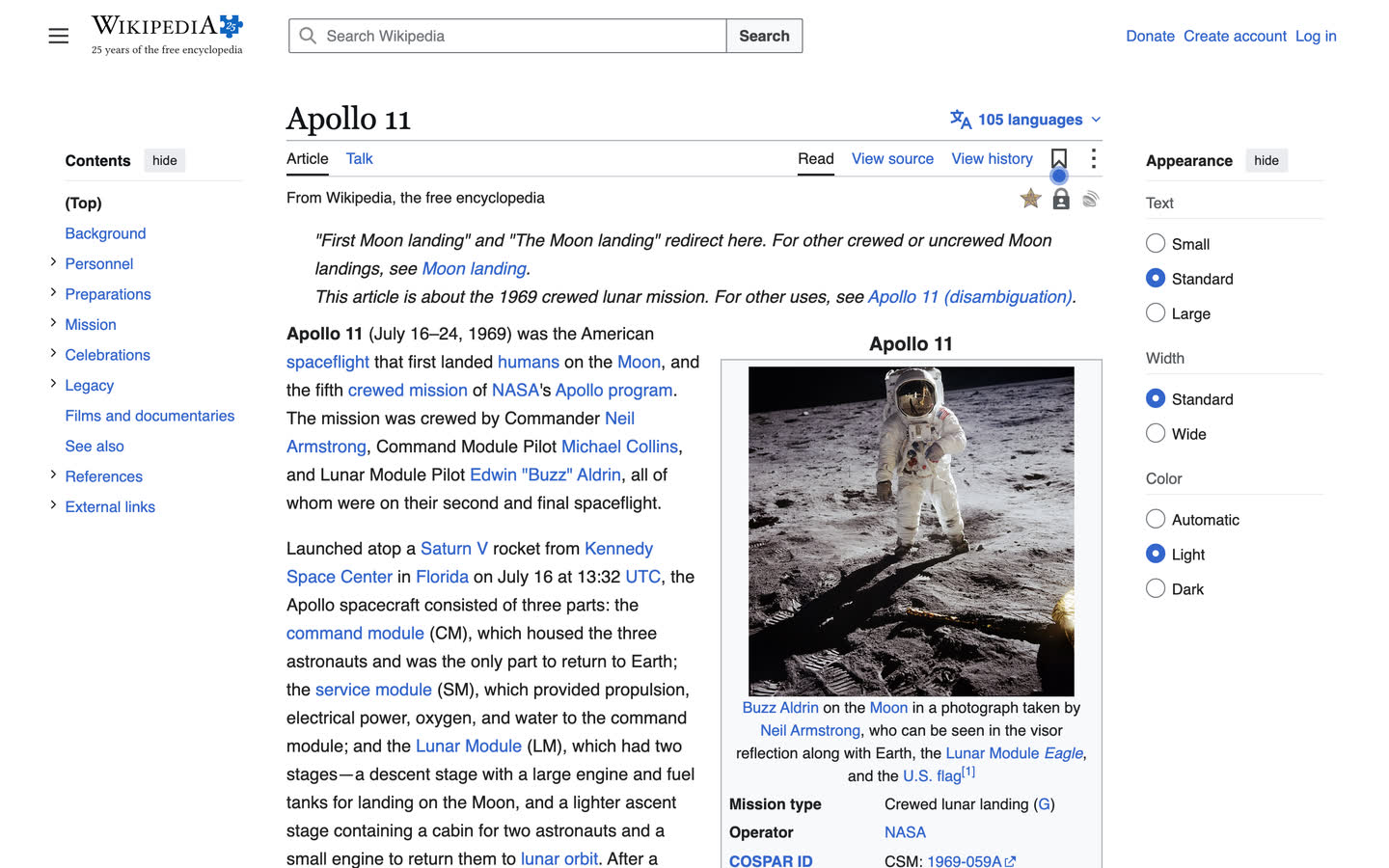
A captured browser page: Apollo 11, Wikipedia

Apollo 11, WikipediaA sample day of public pages: drag, play or search it. Your own history stays on your computer.

Download for Mac Apple silicon · macOS 14 or later

Free to download and run. Every download gets search, call transcripts and your timeline, and connects out to Claude and Codex.

Not now? Email me the link →

Works with the AI you already use

Give Claude Code, Codex and any agent memory of what you worked on.

Ask in plain words — they call ReMynd themselves. That is a text record of what you worked on, not a live feed of your screen. Some commands return the words that were on screen; on Mac, a recorded frame of a moment can be shown too.

  • Claude Code
  • Codex
  • Claude Desktop (MCP)
  • any agent
CLI docs →

Turn it on in Settings → Integrations. The MCP server and the CLI are on Mac and Windows.

Asked in Claude: “What did I promise Maya?” ReMynd reads the pricing call with Maya and answers: “The revised Q2 quote, by Friday.”

What you’re installing

  • A desktop app
  • Searchable index kept on your computer
  • Nothing is uploaded to us unless you turn on optional sync
01

It keeps the searchable index on your computer

Recordings, extracted text and your timeline live in your user Library.
What goes where

Recordings, extracted text and your timeline live in your user Library. Nothing is uploaded to us unless you turn on optional sync. It keeps the searchable index on your computer, and text recognition runs on-device with Apple Vision. Encrypted backup to a bucket you own is opt-in. When you ask ReMynd’s built-in AI, the question and the text it found go to a model provider. The full list of what we hold is on the security page.

02

Ask instead of digging

On-device OCR makes everything you’ve read full-text searchable. Hit Control + Space to search or ask, then jump back to the exact frame it came from.

03

Your calls, too

Zoom, Google Meet, Microsoft Teams and Slack Huddles are recorded and transcribed into the same timeline. Ask what someone committed to, and read the line back.

04

Ask from the terminal

Turn on Claude Code or Codex in Settings → Integrations, then ask from the terminal.
How to turn it on

Developers who already live in the terminal can ReMynd from there. Turn on Claude Code or Codex in Settings → Integrations, then run remynd day 2026-11-11, remynd search "design review", or remynd now. The command is read-only and lives on your computer. The full list is on the ReMynd CLI page.

Download for Mac

Apple silicon · macOS 14 or later · about a minute to set up

Free to download and run.

Not now? Email me the link →

Download for Windows

Windows 11 · x64 or ARM64

Free to download and run.

Have a Mac too? Download for Mac →

ReMynd for Windows is here.

Run the installer once it has downloaded.

Download for Windows

Windows 11 · x64 or ARM64

On a Windows on Arm PC? Download the ARM64 installer.

How your data stays yours

Questions people ask

Is it recording me?

ReMynd records your screen, and your calls, after you grant permission. Private and incognito windows, in supported browsers, are left out by default. Apps you exclude stay out. You can pause capture at any time. Text recognition reads the window you’re working in, not the windows behind it. You can revoke screen-recording permission in your system settings; ReMynd will stop capturing, and it will not nag you to turn it back on.

Who can see it?

By default, only you. Unless you turn on optional sync or press Share, we never collect your screen recordings, extracted text, call audio or transcripts. If you turn on backup, it is end-to-end encrypted on your computer with a password you set, which is not sent to us, so we cannot read it. The only readable recordings we host are moments you chose to share.

Does it go to the cloud?

Not by default. Recordings, extracted text and your timeline live on your computer. Nothing is uploaded to us unless you turn on optional sync. Sync is off by default on every plan. Backup needs a plan that includes storage. If you use ReMynd’s built-in AI, your question and the matching slice of your history go to a model provider. Sign-in, crash reports and usage counts also leave your computer. The full list is on the security page.

What about passwords and sensitive apps?

Password manager apps start on the exclusion list, and any other app or site you exclude stays out. Private and incognito windows, in supported browsers, are left out by default. You can pause capture at any time. Text recognition is scoped to the window you are focused on, not every pixel on screen, and not the windows behind it.

Can I delete it?

Yes. Your history lives in a folder on your computer. You can open it and delete it. If you delete it and backup is off, we have no copy to restore from. You can also set how long history is kept, in the app. There is no self-serve way to close an account in the app yet: email [email protected] and we delete the account record within 90 days.

Does the AI train on it?

No. ReMynd’s built-in AI runs on zero-retention endpoints, so the model provider doesn’t store what you ask. You can plug in your own local LLM so your questions never leave your computer. Recording, search and your timeline keep working if you leave AI off.

A photographic memory for your computer.

Download for Mac

Apple silicon · macOS 14 or later

Free to download and run.

Download for Windows

Windows 11 · x64 or ARM64

Free to download and run.